Phone layout and table polish
- On landscape phones, the top bar is gone: the decks and the turn sit in the bottom-left corner and the menu in the bottom-right, with the board size, sound, mic and log buttons inside the menu. Your Party gets the middle of the table.
- On phones, the game menu opens as a sheet, and Draw, New hand and End are icon buttons beside your avatar.
- On phones, the dice panel stays above the Modifier prompt in portrait and beside it in landscape, leaving more room for Modifier options.
- Read cards in your hand during other players' turns, and tap anywhere off your cards to put them down without playing them.
- Hover to preview a highlighted Challenge and click or tap it to play it from your hand. The compact Pass button shows the countdown.
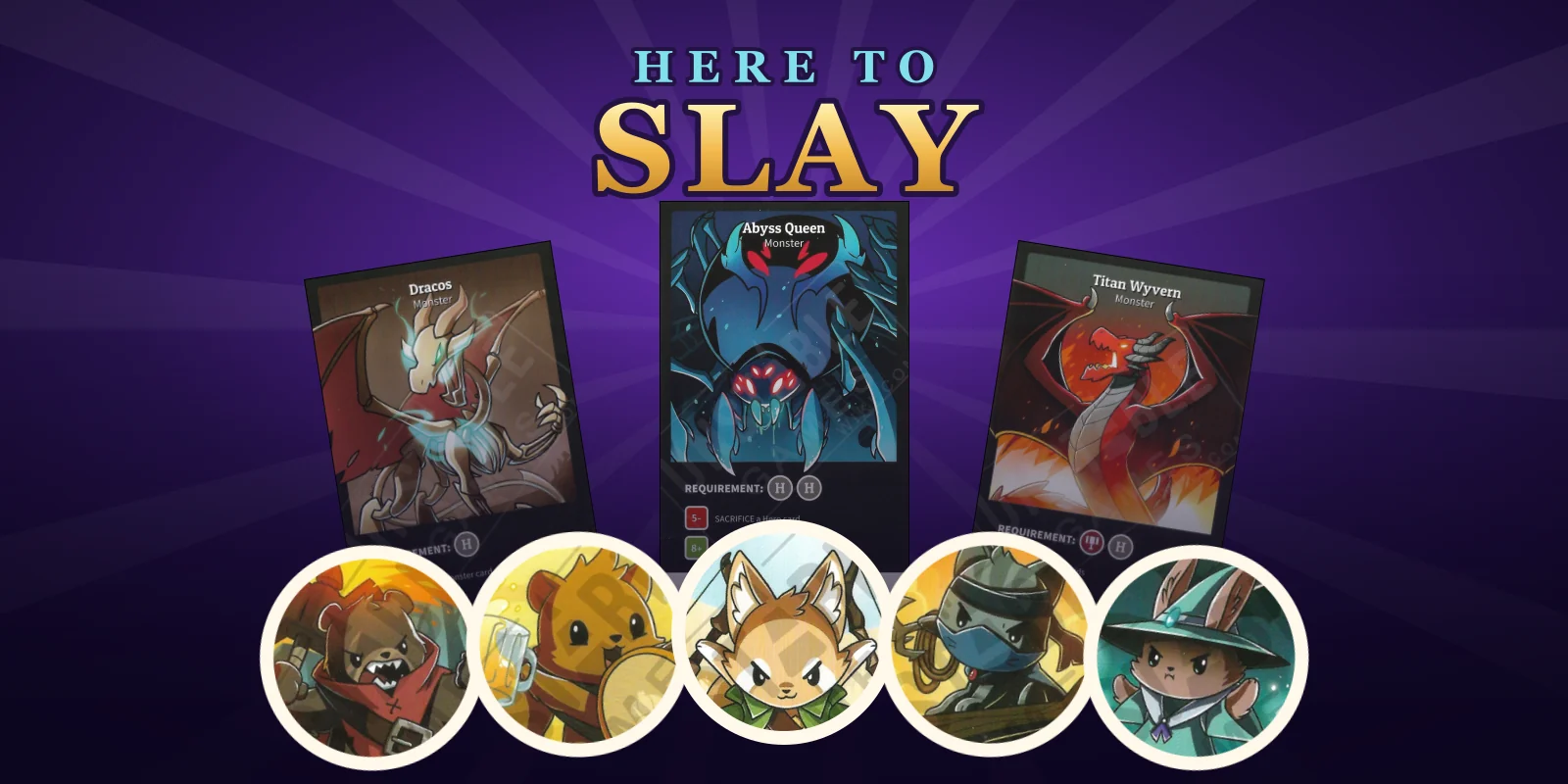
- Decision prompts, Hero roll panels, and Challenge and Modifier windows show card artwork thumbnails. The roll window shows the Hero's effect beneath its name.
- Card piles sit closer together, with the name and a color-coded count on one badge. The decks are bigger on portrait phones.
- Player names sit above their played cards again, with more room for long names.
- Party and Monster cards stay in place when hovered, and the crown above Party Leader cards is gone.
- The drop guide disappears after your first successful drag or two-click placement.
- Choosing Home from the results screen clears the finished match from Game in progress, and chat stays visible beside the final results on wider screens.
- Fixed a Hero's Roll button being cut off on landscape phones, cards slipping behind Monsters while dragging, an empty strip above the card in the Monster details window, and a dark band across the top of the Barn table.